
AI Automation for Ecommerce: 9 Shopify Workflows That Pay Off
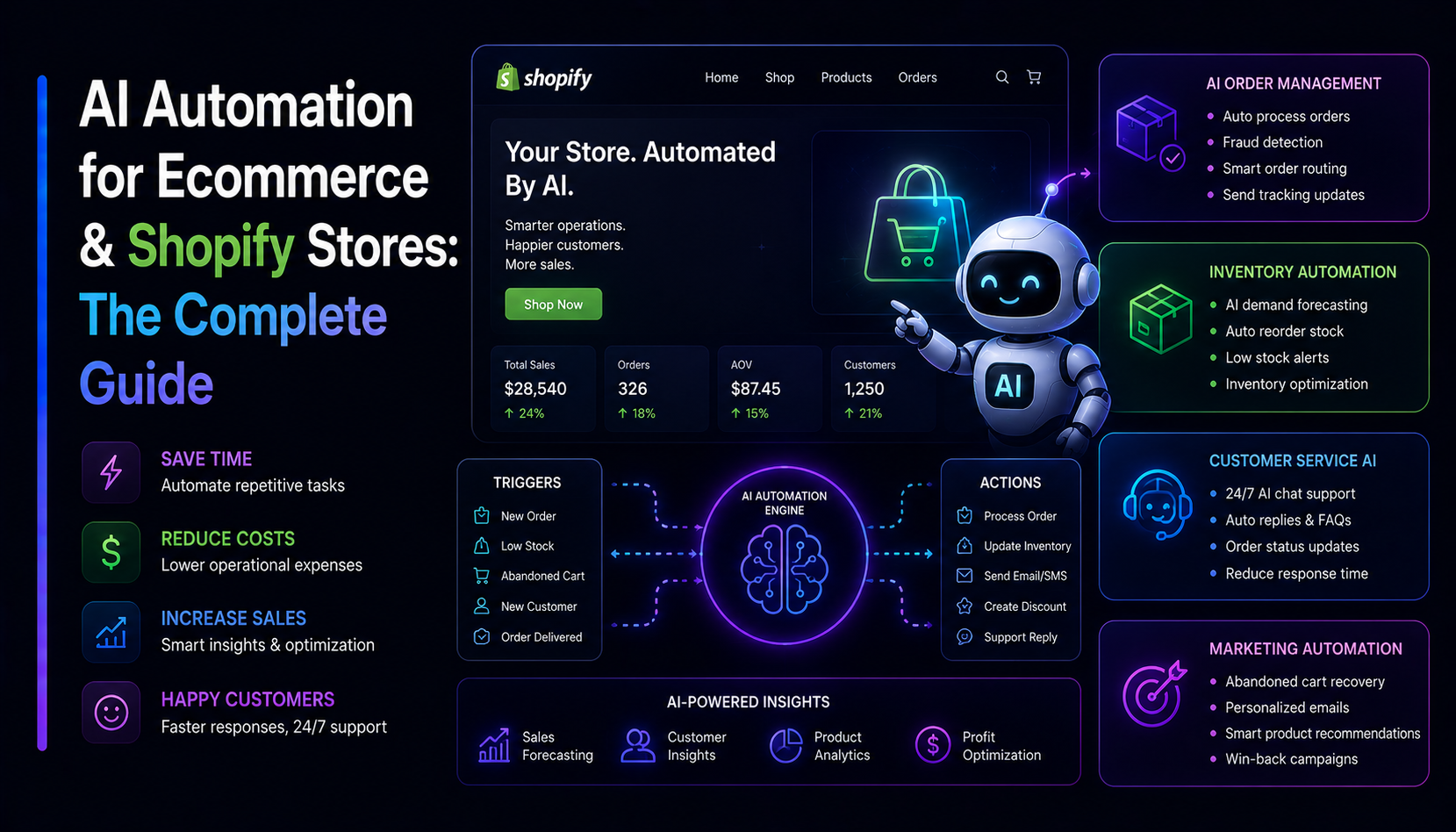
AI automation finally graduated from demo to dependable. For an online store, that means a real chance to recover hours every week and answer customers faster — without hiring. But "AI automation for ecommerce" gets pitched as magic, and most of the magic versions break. The teams that win pick workflows where the model is reliable, the downside of a mistake is small, and a human stays in the loop until the system earns trust. Here are nine AI automations for Shopify and e-commerce stores that consistently pay for themselves — each with a clear before and after — plus the difference between RAG and prompt-only setups, and a low-risk rollout plan.
Where AI actually moves the needle in ecommerce
AI automation is not a chatbot bolted to your homepage. It is wiring a language model into a real process: pull in the order or the message, make a decision or draft a response grounded in your own data, then take an action in a tool you already use — Shopify, your help desk, Slack, your CRM. The model is one step; the value is the pipeline around it.
That framing tells you where AI pays off and where it does not. It moves the needle on work that is high-volume, repetitive, and language-heavy — reading messages, classifying them, summarizing, drafting text, tagging records. It is a poor fit for low-volume judgment calls, anything where a wrong answer is expensive, and anything that needs a guaranteed-correct number. The trick is to keep the model on the language work and let deterministic code and humans handle the rest.
One more rule before the list: every workflow below should start in draft mode, where the AI suggests and a person approves. That single discipline is the difference between leverage and embarrassment.
9 AI automation workflows for online stores
1. Support-ticket summarization and urgent tagging
Before: Agents open a long, rambling email or chat thread, read all of it, and decide how urgent it is — slowly, inconsistently, and only during working hours.
After: Every inbound message is summarized to two or three lines, tagged by topic (shipping, returns, sizing, payment), and flagged urgent when it mentions a chargeback, a damaged item, or an angry tone. Agents triage a clean queue instead of a wall of text. This is the highest-volume, lowest-risk place to start.
2. Product-description generation
Before: Someone stares at a blank field for each new SKU, and descriptions end up thin, inconsistent, or copied from the supplier — bad for both shoppers and SEO.
After: Specs and bullet points become on-brand drafts with a sensible structure (benefit-led intro, feature list, materials, care). Fed your brand voice and a few approved examples, the model removes the blank page; a human polishes and checks accuracy before publishing. Treat output as a first draft, never final copy.
3. Review summarization
Before: Hundreds of reviews per product, no time to read them, so recurring complaints and selling points stay invisible to your merchandising and product teams.
After: Each product gets a rolling summary of what buyers praise and what they complain about, plus a sentiment trend. That feeds better product-page copy, smarter bundling, and early warning when a batch goes wrong.
4. WhatsApp and Slack AI replies
Before: Questions arrive on WhatsApp and in a shared Slack channel, get missed after hours, and the team copy-pastes the same answers daily.
After: An ecommerce AI agent drafts a grounded reply the moment a message lands, posts it into Slack for one-tap approval, or answers common WhatsApp questions directly. If you have not added a chat entry point yet, our guide to adding a WhatsApp button to Shopify covers the front end, and the WhatsApp Floating Button gives shoppers the tap-to-chat that this automation then answers.
5. Lead and wholesale routing
Before: B2B and wholesale enquiries land in one inbox, get scored by gut feel, and the best ones wait behind low-intent noise.
After: Each enquiry is enriched, scored for intent and fit, and routed to the right person with a short brief attached. High-value leads surface first; spam and tyre-kickers are quietly deprioritized.
6. Returns and RMA triage
Before: Return requests are handled inconsistently — some agents bend policy, some are too strict, and every one takes manual reading.
After: The automation reads the request, checks it against your written policy, and drafts the next step: approve, decline with a reason, or ask for a photo. Consistent, fast, and fully logged. Edge cases escalate to a human instead of being guessed.
7. Abandoned-cart copy
Before: One generic "you left something behind" email goes to everyone, ignoring what was actually in the cart.
After: The recovery message references the specific products, matches your brand voice, and adapts the tone to cart value — a different nudge for a $20 cart than a $400 one. Humans approve the templates; the automation fills in the specifics per shopper.
8. Catalog tagging and clean-up
Before: Thousands of SKUs with missing alt text, thin descriptions, inconsistent tags, and no collections logic — the tedious work no one ever gets to.
After: The model proposes tags, categories, and alt text across the whole catalog, and flags products that fail your quality bar. You review the proposed changes in bulk rather than editing one product at a time.
9. Demand and anomaly alerts
Before: A best-seller quietly sells out, a refund spike goes unnoticed for days, and you find out from an angry customer.
After: A scheduled job assembles sales, stock, and support signals, then writes a plain-English alert when something needs attention — "SKU-204 will sell out in ~3 days at current pace" or "returns on the new jacket are running unusually high." The numbers come from your data; the model only explains them, so the figures stay trustworthy.
Automate the boring, repetitive, high-volume work first. Keep judgment calls with people until the system has earned trust.
RAG vs prompt-only: answer from YOUR store data
This is the single most important decision for any LLM workflow for online stores. A prompt-only setup hands the model your question and lets it answer from its general training. That is fine for "rewrite this paragraph," but it is dangerous for anything specific to your store: the model does not know your shipping cutoffs, your return window, this SKU's materials, or whether an item is in stock — so it will confidently make something up.
RAG (retrieval-augmented generation) fixes this. Before the model answers, the pipeline retrieves the relevant facts from your own sources — order records, the product catalog, your policy docs, the help center — and hands those to the model as context. The instruction becomes "answer using only these facts, and say you are unsure if they do not cover it." That is what turns an ecommerce AI agent from a plausible liar into a useful one.
Practically: use prompt-only for open-ended creative drafting where a human reviews everything, and use RAG for any workflow that touches order status, policy, inventory, or product facts. Most stores end up with a mix — and the RAG layer is usually where a custom build earns its keep.
Start small, measure ROI, then expand
The fastest way to waste money on AI is to automate ten things at once. The disciplined path is the opposite:
- Start with one workflow. Pick the highest-volume, lowest-risk one — usually support-ticket summarization and urgent tagging — and ship it in draft mode, where the AI suggests and a human approves every action.
- Measure honestly. Track the real numbers: minutes saved per ticket, first-response time, how often the draft is sent unedited, and how often a human had to override it. If you cannot measure it, you cannot justify it.
- Graduate by trust. Once a workflow is right the vast majority of the time, let it act on the easy cases and escalate the rest (assisted mode). Reserve fully autonomous mode for proven, low-stakes tasks, always with logging so you can see what it did and why.
- Expand where the numbers justify it. Add the next workflow only once the first one is paying back. Compounding beats a big-bang rollout that nobody trusts.
Build vs buy vs custom
Three honest options, and most stores use more than one:
- Buy an app. For a single, well-defined job — review summaries, a help-desk AI assistant, a description generator — an off-the-shelf Shopify app is the right call. Fast, cheap, and you are not maintaining anything. The limit is that it answers from its own logic, not your full data, and you cannot reshape it around your process.
- Build with no-code automation. Tools that chain triggers and actions can wire up routing, alerts, and simple drafting without a developer. Great for prototypes and light workflows; they get brittle and expensive once you need RAG, real error handling, or anything bespoke.
- Custom build. When the workflow is core to your store, needs grounded answers from your own data, and has to integrate cleanly with Shopify and your stack, a custom pipeline wins. You control the data access, the guardrails, the logging, and the cost. This is the work we do — AI automation, agents, and LLM/RAG pipelines wired into the tools you already run.
A good rule: buy the commodity, build the prototype, and invest in custom only for the workflows that are genuinely yours.
What separates automation that works from automation that embarrasses you
Three things, every time: clean, scoped access to your data; sensible guardrails with a human in the loop until the system proves itself; and observability, so every action is logged and explainable. Bolt AI onto a messy process and you get fast mistakes. Wire it into a clear one, grounded in your own data, and you get leverage that compounds. Our software & SaaS engineering team builds these pipelines end to end — from the Shopify integration to the RAG layer.