
Force Picture-in-Picture in Chrome on Any Site (2026)
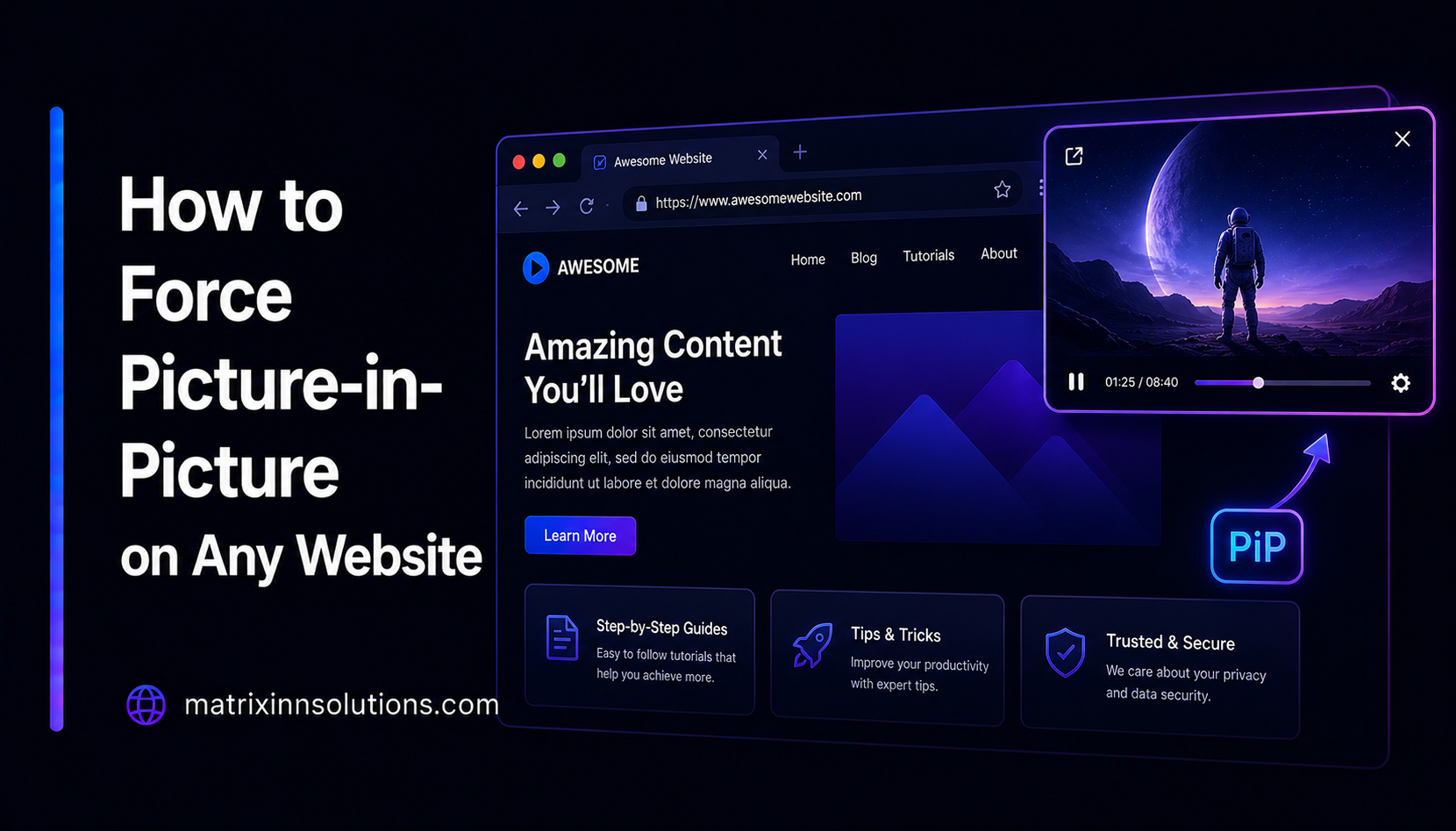
Picture-in-Picture (PiP) is one of the browser's quietly brilliant features: pop a video out into a small floating window that stays on top while you work in another tab, read your email, or take notes. The catch is that some of the biggest streaming sites hide the button — so the moment you switch tabs, your video pauses or disappears. This guide explains how PiP actually works, why platforms like Netflix and Disney+ block it with the disablePictureInPicture attribute, the buried native Chrome trick to force it, and how a tiny Manifest V3 extension brings one-click PiP back everywhere — safely.
What Picture-in-Picture is — and why tab-switching kills your video
Picture-in-Picture is a web standard. Any standard HTML5 <video> element can be detached into a floating, always-on-top window by calling video.requestPictureInPicture(). The browser draws the window, supplies basic play/pause controls, and keeps it above your other apps and tabs. Chrome, Edge, Firefox and Safari all support it natively — no plugin required.
Why does this matter so much? Because background tabs are throttled. When you switch away from a tab that is playing video, browsers aggressively deprioritise it to save CPU and battery; many players also pause on their own when they lose focus. So the second you tab over to Slack or your inbox, the lecture, match, or episode you were following stops. PiP is the fix: the floating window is treated as foreground media, so playback continues smoothly while you do something else. It is the difference between watching a tutorial while you code, and constantly tabbing back and forth.
Why Netflix and Disney+ block PiP — the disablePictureInPicture attribute explained
A site can add a single attribute to its video element: disablePictureInPicture. That one flag tells the browser to hide the native PiP control for that specific video.
<!-- the line that hides your PiP button -->
<video src="stream.m3u8" disablePictureInPicture></video>
This is why Picture-in-Picture is not working on Netflix and why Picture-in-Picture on Disney Plus is greyed out for so many people — the platforms deliberately set this flag. Their reasons are usually about presentation and control rather than technical limitation: keeping viewers inside the branded player, enforcing UI consistency, and aligning with how licensing deals expect content to be displayed. Crucially, the browser's capability never goes away. The video can still be moved into a floating window; the platform has simply hidden the doorway.
The browser can always do Picture-in-Picture. disablePictureInPicture only hides the doorway — it does not remove the room.
The native Chrome path (right-click twice) and why it is buried
Before reaching for any extension, it is worth knowing that Chrome ships with a hidden manual workaround. On many sites you can:
- Right-click the video once. This usually opens the site's own custom right-click menu, not Chrome's.
- Right-click a second time. Chrome's native context menu appears on top of the site's menu.
- Choose "Picture-in-Picture." Chrome detaches the video into its floating window.
It works, but it is deliberately buried and inconsistent. The double right-click is unintuitive, it fails on sites that fully suppress the context menu, you have to repeat it for every single video, and there is no keyboard shortcut and no automatic behavior. For a feature you might use dozens of times a day, that friction adds up fast — which is exactly the gap a purpose-built extension fills.
How a Manifest V3 extension restores PiP — button, Alt+P, and Auto-PiP
A modern browser extension built on Manifest V3 turns that buried trick into a one-tap habit. The mechanics are refreshingly simple — it is the browser's own feature, re-exposed:
- Find videos. A content script scans the page for
<video>elements, including ones injected after page load, using a mutation observer so dynamically loaded players are caught too. - Clear the flag. It removes the
disablePictureInPictureattribute, un-hiding the native control the site suppressed. - Add triggers. It overlays a lightweight hover button on the video and registers a keyboard shortcut, both of which call the standard
requestPictureInPicture()method.
// the entire bypass, conceptually
const v = document.querySelector('video');
v.removeAttribute('disablePictureInPicture');
await v.requestPictureInPicture();
This is exactly how MatrixInn PiP works. It gives you one-click Picture-in-Picture on any site — including streaming platforms that block the button — plus three ways to trigger it:
- Hover button — a small control appears on the video; click and it pops out.
- Alt+P keyboard shortcut — a true PiP keyboard shortcut for Chrome, so you never touch the mouse.
- Auto-PiP — an auto PiP Chrome extension behavior that floats the player automatically the moment you switch tabs, so playback never stops.
Because it is Manifest V3, it uses the modern, more privacy-respecting extension platform Chrome now requires, and it runs entirely on the page in front of you — no servers, no accounts, no video ever leaving your machine.
Is bypassing PiP safe? The honest answer
On the technical and privacy side: yes, it is safe. Re-enabling a hidden control does not break DRM, decrypt protected streams, or download video. It only changes how a video you are already streaming and allowed to watch is displayed on your own screen. Nothing is copied, recorded, or sent anywhere. A well-built extension like MatrixInn PiP requests minimal permissions and stores no personal data.
The honest nuance is around terms of service. Some streaming platforms' terms discourage modifying or interfering with their player, and disablePictureInPicture is, in their eyes, an intended part of that player. Removing it is extremely unlikely to cause any account issue — it is a display preference, not piracy — but it is not strictly "as intended" either. So the fair framing is: technically and legally low-risk, ethically a personal call, and worth using with judgment on services whose terms you have agreed to.
Built-in PiP vs MatrixInn PiP
Both get a video floating; the difference is how much work it takes and how many sites it covers.
- Chrome's built-in PiP — Free and native, but the control is hidden whenever a site sets
disablePictureInPicture, the double right-click is awkward, there is no shortcut, no automatic behavior, and you repeat it for every video. - MatrixInn PiP — One-click button that appears even on sites that block PiP, an Alt+P keyboard shortcut, Auto-PiP on tab switch, works across standard players everywhere, and it is free at $0. It is also open source, so you can read exactly what the content script does before you install it.
The limits to know
PiP needs a standard HTML5 video element to attach to. The overwhelming majority of the web qualifies — YouTube, Netflix, Disney+, news outlets, course platforms and more. But players built on unusual rendering pipelines, canvas-based video, or heavily protected setups may not expose a video element the way the standard expects, so PiP behavior can vary on those edge cases. For everyday viewing, restoring PiP is reliable and instant.